
If you’re new to website creation, you’ve probably heard terms like domain name and web hosting—but understanding what they actually mean can be confusing at first.
In this article, domain name and web hosting explained in the simplest possible way, I’ll answer all the common questions beginners usually have.
If you’re planning to create your own website and want a clear, step-by-step understanding, this guide is made just for you.
The main goal of this article is to ensure that domain name and web hosting explained clearly, without technical jargon, so you can confidently take your first step online.
So, without any further delay, let’s dive right in and get started.
What is a Domain Name
A domain name is simply the address of your website on the internet. Whenever someone wants to visit your site, they type your domain name into a web browser, and that’s how they reach you online.
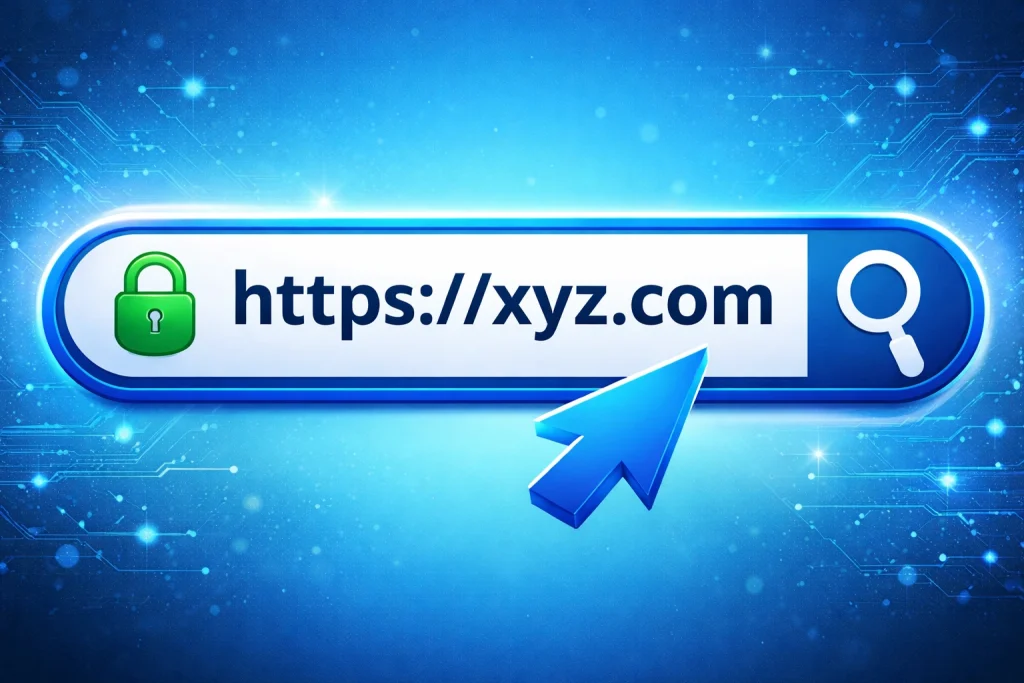
To better understand domain name and web hosting explained, let’s look at how domain names came into use.
In the early days of the internet, websites were identified using IP addresses. An IP address is a unique series of numbers assigned to each computer or server connected to the internet. These numbers help devices communicate and exchange information. The problem? IP addresses are hard to remember. That’s why domain names were introduced—to make websites easy for humans to recognize and recall.
Imagine trying to order food if popular apps like Swiggy or Zomato were known only by numbers instead of names. You’d probably spend more time memorizing digits than enjoying your meal!
Thanks to domain names, accessing websites is simple, user-friendly, and stress-free—making the internet usable for everyone.
What is the DNS (Domain name System)
To truly understand domain name and web hosting explained, it’s important to first know what the Domain Name System (DNS) is and why it matters.
The DNS is a large, global system that connects domain names to their corresponding IP addresses. In simple terms, it helps the internet know where to find a website.
Here’s an easy way to think about it: humans prefer names and words, while computers communicate using numbers. The internet only understands IP addresses—long strings of numbers—which aren’t easy for people to remember.
So how do we access websites without memorizing numbers? That’s where DNS comes in.
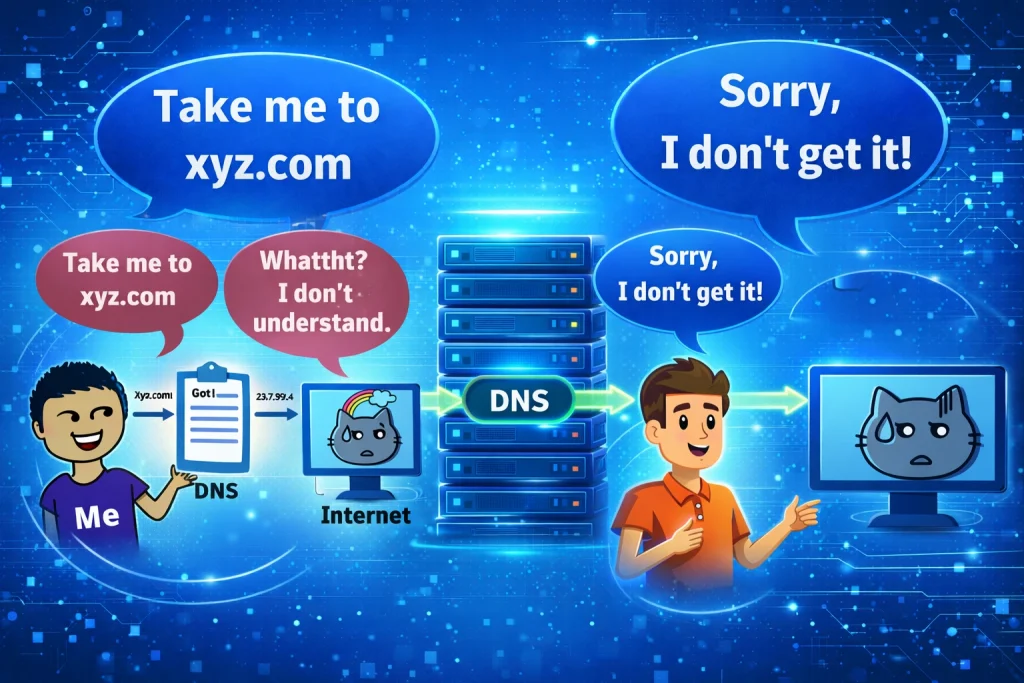
DNS works like a translator. When you type a domain name into your browser, DNS instantly converts that human-friendly name into a machine-readable IP address. This allows your browser to locate the correct web server and load the website for you.
In the journey of domain name and web hosting explained, DNS plays a crucial role by connecting domain names with hosting servers behind the scenes—quickly and seamlessly.
Take a look at the illustration below to see how DNS works step by step. It makes the entire process much easier to understand.
What Are Top-Level Domains (TLDs)?
When domain name and web hosting are explained to beginners, one of the most important concepts to understand is Top-Level Domains, commonly called TLDs.
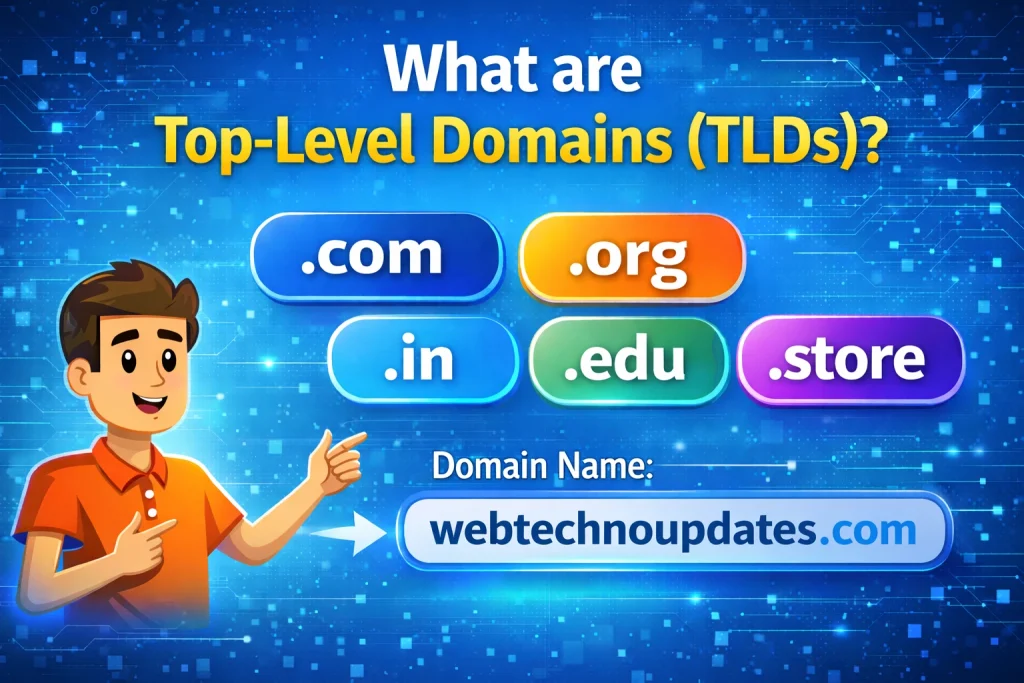
A Top-Level Domain is the last part of a domain name, the section that comes after the final dot.
Example: webtechnoupdates.com → .com is the Top-Level Domain, example.org → .org is the Top-Level Domain, mywebsite.in → .in is the Top-Level Domain.
Types of Top-Level Domains
There are several categories of TLDs. Let’s break them down in the simplest way possible.
1. Generic Top-Level Domains (gTLDs) : .com – Commercial websites (most popular),
.org – Organizations and non-profits, .net – Network or tech-related sites, .info – Informational
websites, .biz – Business websites
2. Country-Code Top-Level Domains (ccTLDs) : These domains are linked to specific countries
or regions. .in – India, .us – United States, uk – United Kingdom, .au – Australia
3. Sponsored Top-Level Domains (sTLDs) : These are restricted domains meant for specific
communities or industries. .edu – Educational institutions, .gov – Government websites, .
mil – Military organizations
4. New & Modern TLDs: In recent years, many creative and industry-specific TLDs have been
introduced. .blog, .tech, .store, .online, .website, Best for: Branding, niche websites, and
modern startups.
Domain vs. Subdomain
When building a website, understanding the difference between a domain and a subdomain is essential. Both play an important role in how your website is structured, accessed, and managed.
In this guide by WebTechnoUpdates, we’ll break down domain vs. subdomain in simple terms, with examples to help you choose the right option for your website.
What Is a Domain Name?
A domain name is the main address of your website on the internet. It’s what users type into their browser to visit your site. Example: webtechnoupdates.com
webtechnoupdates = website name, .com = top-level domain (TLD), Your domain name represents your brand identity and is usually linked to your main website and primary content.
What Is a Subdomain?
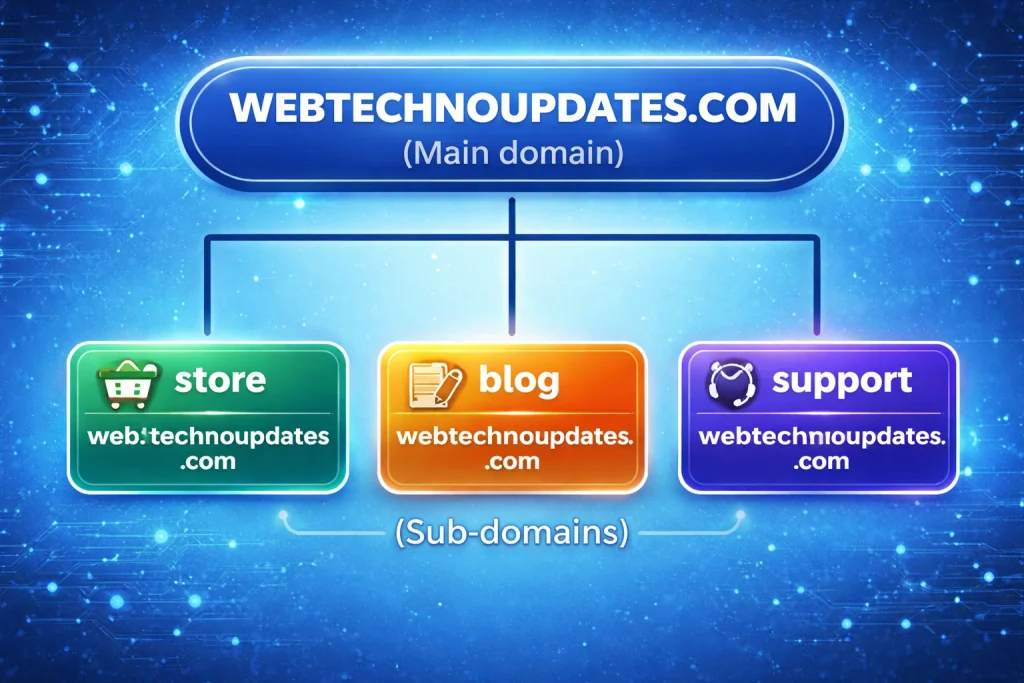
A subdomain is a part of the main domain that helps organize or separate different sections of a website. It appears before the main domain name. Example: blog.webtechnoupdates.com
blog = subdomain, webtechnoupdates.com = main domain, Subdomains act like independent sections but remain connected to the main domain.
Domain vs. Subdomain: Key Differences
| Feature | Domain | Subdomain |
|---|---|---|
| Purpose | Main website address | Separate section of the website |
| Position | Comes after “www” | Comes before the main domain |
| Example | webtechnoupdates.com | blog.webtechnoupdates.com |
| SEO Impact | Strong branding and authority | Can be treated as a separate site |
| Use Case | Primary website | Blog, store, support, or language versions |
When Should You Use a Subdomain?
Subdomains are useful when you want to: Host a blog (blog.webtechnoupdates.com), Create a store (store.webtechnoupdates.com), offer support or help pages (Support.webtechnoupdates.com), Build a testing or staging site, Target different languages or regions.
SEO: Domain vs. Subdomain
A domain builds authority faster because all content is centralized, A subdomain may be indexed separately by search engines. If your goal is strong SEO and branding, using folders (example: webtechnoupdates.com/blog) is often better. If you need clear separation, subdomains work well.
Which One Should You Choose?
Choose a domain if: You’re launching a main website, Branding is your priority, You want faster SEO growth.
Choose a subdomain if: You want to organize different website sections, You need technical separation, You’re running different services on the same domain.
Understanding the difference between a domain and a subdomain helps you make smarter website and hosting decisions. While a domain represents your main online identity, subdomains allow flexibility and better organization. At WebTechnoUpdates, we always recommend choosing the structure that aligns with your long-term goals, SEO strategy, and user experience.
What is an Add-On Domain?
An Add-On Domain is an extra domain name that you can add to your existing web hosting account. It allows you to host multiple websites using a single hosting plan, without needing to buy separate hosting for each site.
In simple terms, an add-on domain lets you run more than one website from the same hosting space, each with its own unique domain name and content.
For example, if your main website is webtechnoupdates.com and your hosting provider supports add-on domains, you can add another domain like mytechblog.com to the same account and manage both websites together.
How Does an Add-On Domain Work?
When you add a new domain to your hosting account, the hosting provider creates a separate folder (directory) for it inside your server. This folder acts as the root directory for the new website.
Each add-on domain: Has its own website files, Can have separate email accounts, Can run on WordPress or any CMS, Works independently from your main domain.
Add-On Domain vs Primary Domain
| Feature | Primary Domain | Add-On Domain |
|---|---|---|
| Hosting account | Main domain | Added to existing account |
| Website files | Separate folder | Separate folder |
| Website identity | Main website | Independent website |
| Extra hosting needed | ❌ No | ❌ No |
A subdomain is always linked to its parent domain and cannot function on its own. In contrast, an add-on domain is a completely separate domain name that can exist independently, even though it is hosted under the same hosting account.
Let’s say you run a personal blog and also own a separate business website. Instead of buying two different hosting plans, you can host both websites under a single hosting account by adding one of the domains as an add-on domain.
In simple terms, you’re able to manage multiple, unrelated websites from one control panel, while paying for just one hosting plan. It’s a smart, cost-effective solution that makes website management easier—and honestly, it’s hard to find a reason not to use it!
What is a Parked Domain?
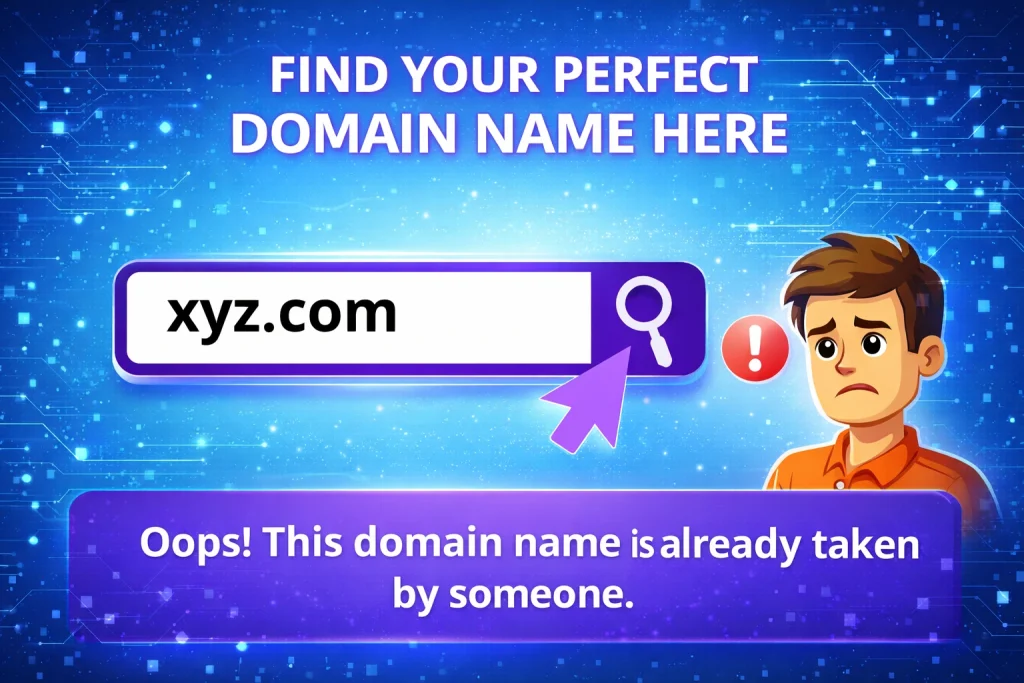
For example, imagine you plan to create a website under your own name or brand but aren’t ready to launch it yet. If you wait too long, someone else might register that domain before you do. Once it’s taken, getting it back can be difficult—or expensive.
What Are the Most Popular Domain Name Registrars?
Domain name registrars are companies that allow you to purchase and register a domain name for your website. In simple terms, they help you secure your website’s address on the internet. Once you register a domain through a registrar, you become the official owner of that domain name for a specific period (usually one year or more).
There are many trusted and well-known domain name registrars available today. Some of the most popular options include: Bluehost, Godaddy, HostGator, Namecheap, Dreamhost, GreenGeeks, Fastcomet, Hostinger Many more.
Each of these domain registrars offers different pricing, features, and additional services such as domain privacy, email hosting, and web hosting bundles. Choosing the right registrar depends on your budget, ease of use, and long-term website goals.
What Is Domain Privacy?
When you register a domain name through a domain registrar such as GoDaddy or Namecheap, you’re required to provide personal information like your name, email address, phone number, and physical address. This information is stored in a global database called WHOIS, which maintains records of all registered domain names along with their ownership details.
The WHOIS database is publicly accessible. This means anyone—from marketers to spammers—can view your personal contact details online. For many website owners, especially beginners and small businesses, this can be a serious privacy concern.
Domain Privacy (also called WHOIS Privacy Protection) is an optional service offered by most domain registrars. When enabled, it hides your personal details and replaces them with the registrar’s generic contact information.
Benefits of Domain Privacy: Protects your personal identity online, Prevents spam emails, calls, and unwanted marketing, Reduces the risk of phishing and domain-related scams, Gives you better control over your online privacy.
What is Web Hosting?
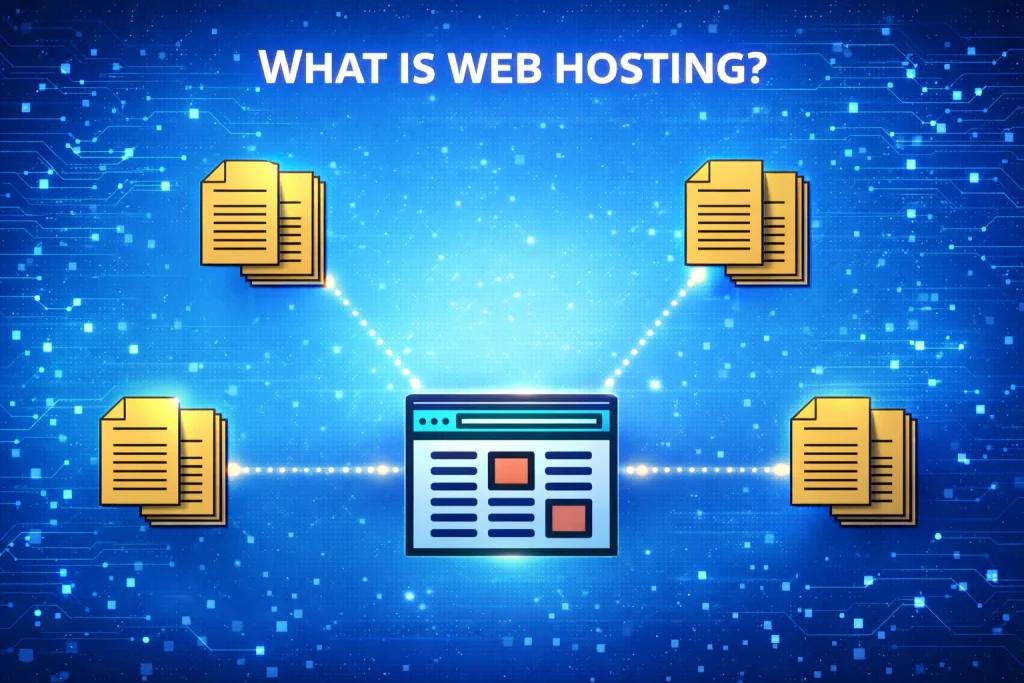
When someone types your website’s domain name (like webtechnoupdates.com) into their browser, the browser connects to the server where your website files are stored and displays your site on the screen.
How Does web hosting work ?
Web hosting works by storing all your website’s files—such as images, text, videos, and code—on a powerful computer called a server. When someone types your domain name (like webtechnoupdates.com) into their browser, the browser sends a request to the server where your website is hosted. The hosting server then processes this request and delivers your website files back to the user’s browser, allowing the website to load and display on their screen. This entire process happens in just a few seconds.
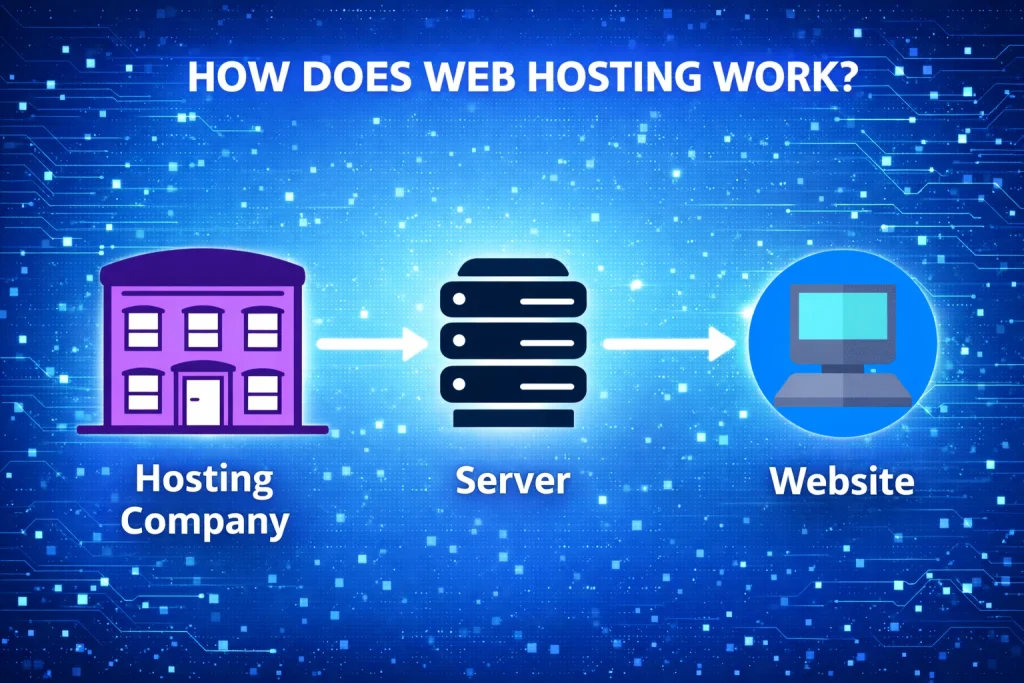
In simple terms, web hosting provides the space and technology needed to keep your website accessible on the internet 24/7. A hosting provider ensures the server stays online, secure, and fast, so visitors can access your site anytime without interruption. Without web hosting, your website files would have nowhere to live, and your domain name would not be able to show any content online.
Different Types Of Web Hosts
There are several different types of web hosting available, each designed to meet specific website needs and budgets.
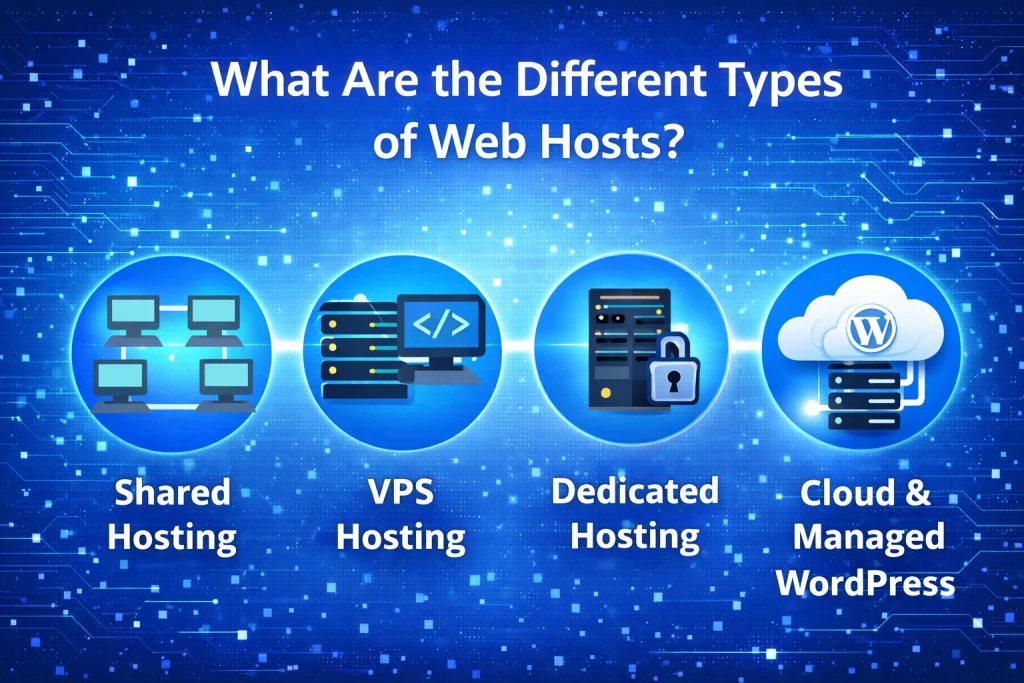
Shared hosting: Shared hosting is one of the most popular and beginner-friendly web hosting options, especially for new websites and small blogs. In shared hosting, multiple websites are hosted on a single server and share its resources such as CPU, RAM, storage, and bandwidth. This shared environment helps keep costs low, making it an affordable choice for individuals, startups, and small businesses.
While performance can be slightly limited compared to advanced hosting types, shared hosting is more than sufficient for websites with low to moderate traffic. It also usually comes with an easy-to-use control panel, one-click installations, and basic security features, making it ideal for users with little to no technical knowledge.
VPS (Virtual Private Server) hosting: VPS (Virtual Private Server) hosting is a powerful step up from shared hosting, designed for websites that are growing and need more performance and control. In VPS hosting, a single physical server is divided into multiple virtual servers, each with its own dedicated resources like CPU, RAM, and storage.
This means your website is not affected by other websites on the same server, resulting in better speed, stability, and reliability. VPS hosting also allows greater customization, including root access and the ability to install custom software. It is an excellent choice for medium-sized businesses, high-traffic blogs, and developers who want more flexibility without the high cost of a dedicated server.
Dedicated hosting: Dedicated Hosting is a premium web hosting solution where an entire physical server is allocated to a single website. Since no other websites share the server’s resources, dedicated hosting delivers maximum performance, speed, and reliability. It offers complete control over server configuration, allowing you to customize hardware, software, and security settings based on your specific needs.
This type of hosting is ideal for large businesses, high-traffic websites, and resource-intensive applications that require strong security, consistent uptime, and advanced performance optimization. While it is more expensive than other hosting options, dedicated hosting is the best choice for websites that cannot afford slowdowns or downtime.
Managed WordPress hosting: Managed wordpress hosting is a specialized hosting solution designed exclusively for WordPress websites. With this type of hosting, the provider takes care of all the technical aspects such as automatic WordPress updates, security monitoring, daily backups, performance optimization, and server maintenance.
This ensures that your website runs fast, stays secure, and remains stable without requiring technical expertise from your side. Managed WordPress hosting is ideal for bloggers, businesses, and agencies who want a hassle-free experience and prefer to focus on content and growth rather than technical management. Although it is slightly more expensive than regular shared hosting, it offers better performance, reliability, and peace of mind for WordPress users.
What Is the Cost of Web Hosting?
When creating a website, one of the most common questions beginners ask is: How much does web hosting cost?
The answer depends on several factors, including the type of hosting, features offered, and the hosting provider you choose. Web hosting costs can range from a few dollars per month to hundreds of dollars per month, depending on your website’s needs.
Average Cost of Web Hosting
For most beginners and small websites, shared hosting is the most affordable option. It usually costs between $2 to $5 per month when purchased on long-term plans. This is ideal for blogs, personal websites, and small business sites.
If your website starts growing and needs more resources, VPS hosting typically costs between $20 to $60 per month. It provides better performance, dedicated resources, and more control.
For large or high-traffic websites, dedicated hosting is the most expensive option. Prices usually start from $80 to $150+ per month, as you get an entire server exclusively for your website.
Cloud hosting pricing is flexible and often based on usage. It can start as low as $10 per month and scale up depending on traffic and resources used.
Managed WordPress hosting, which is optimized specifically for WordPress websites, usually costs between $15 to $40 per month, depending on features like backups, security, and performance optimization.
What Is the Best Hosting Cost for Beginners?
The cost of web hosting depends on your website goals, traffic level, and technical needs. You don’t need expensive hosting when starting out—an affordable shared hosting plan is more than enough for most beginners.
At WebTechnoUpdates, we always recommend starting small and upgrading only when your website truly needs more power. This helps you save money while still building a fast, reliable website.
Do You Need a Domain Name or Web Hosting to Build a Website?
Owning a domain name is important, but on its own, it cannot make your website live. Without a hosting plan, a domain has no place to display content.
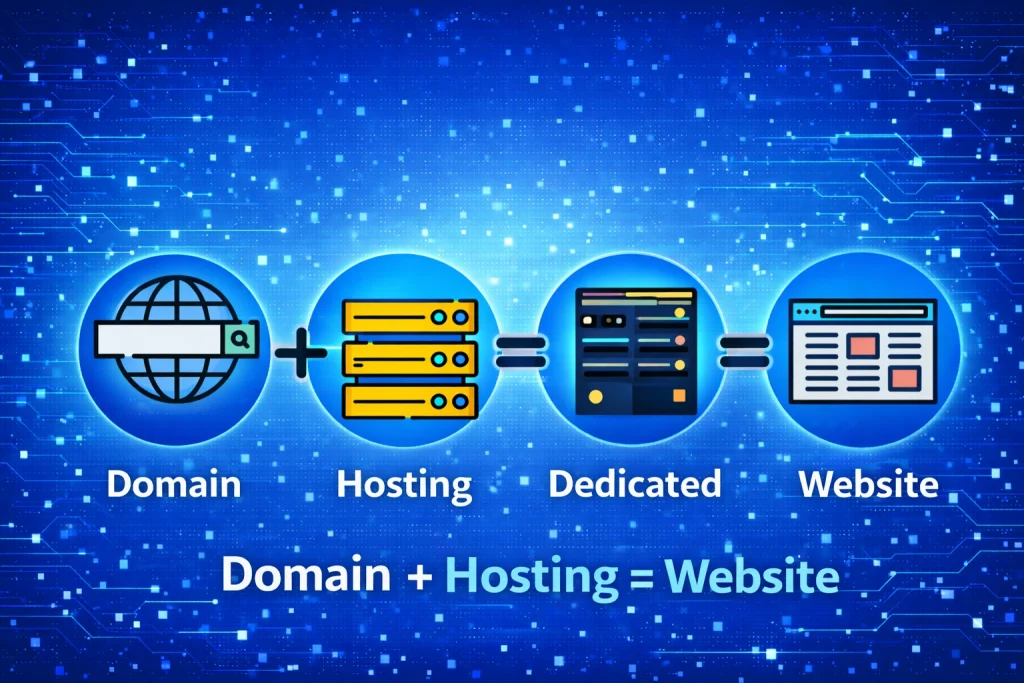
Let’s understand this with a simple example.
Imagine you want to open a shoe store. If you only put up a signboard with the store name but have no actual shop or products inside, customers won’t be able to buy anything. On the other hand, if you rent a shop and stock it with shoes but never give it a name or tell people about it, customers still won’t find you.
A successful store needs both a name and a physical space.
The same concept applies to a website.
1. A domain name helps people recognize, remember, and find your website.
2. Web hosting provides the space where all your website files, images, and content are stored and
made accessible online.
To build a functional website, you need both working together. Without hosting, a domain has nothing to show. Without a domain, visitors won’t know how to reach your website.
At WebTechnoUpdates, we always recommend getting a reliable hosting plan that includes a free domain to make the setup simple and hassle-free.
Can I Change My Domain or Web Hosting Provider?
Yes, absolutely. When you purchase a domain name, you have full ownership and the freedom to transfer it to any registrar or hosting provider whenever you choose.
The same applies to web hosting. If you decide to switch hosting providers, you simply need to update the nameservers in your domain settings and point them to your new hosting company. This process is quick, usually takes just a few minutes, and does not require advanced technical knowledge.
Once the nameservers are updated and your website files are migrated, your site will start loading from the new hosting provider smoothly.
Should I Buy Domain Name and Web Hosting Together or Separately?
Buying both your domain name and web hosting from the same company can make things easier, especially for beginners. Managing everything from a single dashboard simplifies setup, billing, and support.
However, purchasing them separately can also be a smart choice. Many users prefer this approach because it allows them to:
1. Compare better pricing and offers
2. Choose a domain registrar and hosting provider based on specific needs.
3. Avoid being locked into a single service
Pointing a domain to a different hosting provider is not complicated. Once you understand the basics, it becomes a simple task that takes only a few minutes.
At WebTechnoUpdates, we recommend doing your research, comparing features and pricing, and choosing what works best for your website goals.
Conclusion
We hope this guide helped clear your doubts and made the concepts of domain names and web hosting easier to understand. Our goal is to help you make informed and confident technology decisions.
If you still have questions or feel something was missed, feel free to share them in the comments—we’re always happy to help.
If you enjoyed this article and want more beginner-friendly tech guides, tutorials, and reviews, subscribe to WebTechnoUpdates and stay updated with fresh, practical content.
Thanks for reading—keep learning and building! 🚀
Unlock Your Free Website
get a new free AI tool and the latest AI news delivered straight to your inbox every week.




Leave a Comment